

Quick steps
1
Download NoteMe mobile app
Download the NoteMe app on your mobile device. Scan the QR code below for quick access, or use the direct links: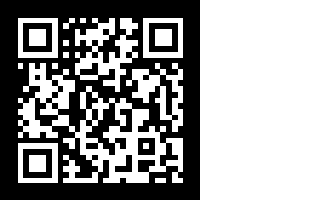
- iOS: App Store
- Android: Google Play
2
Create a note with 'student'
Open the NoteMe app, log in (or create a free account), and create a new note with the key “student” in the content field.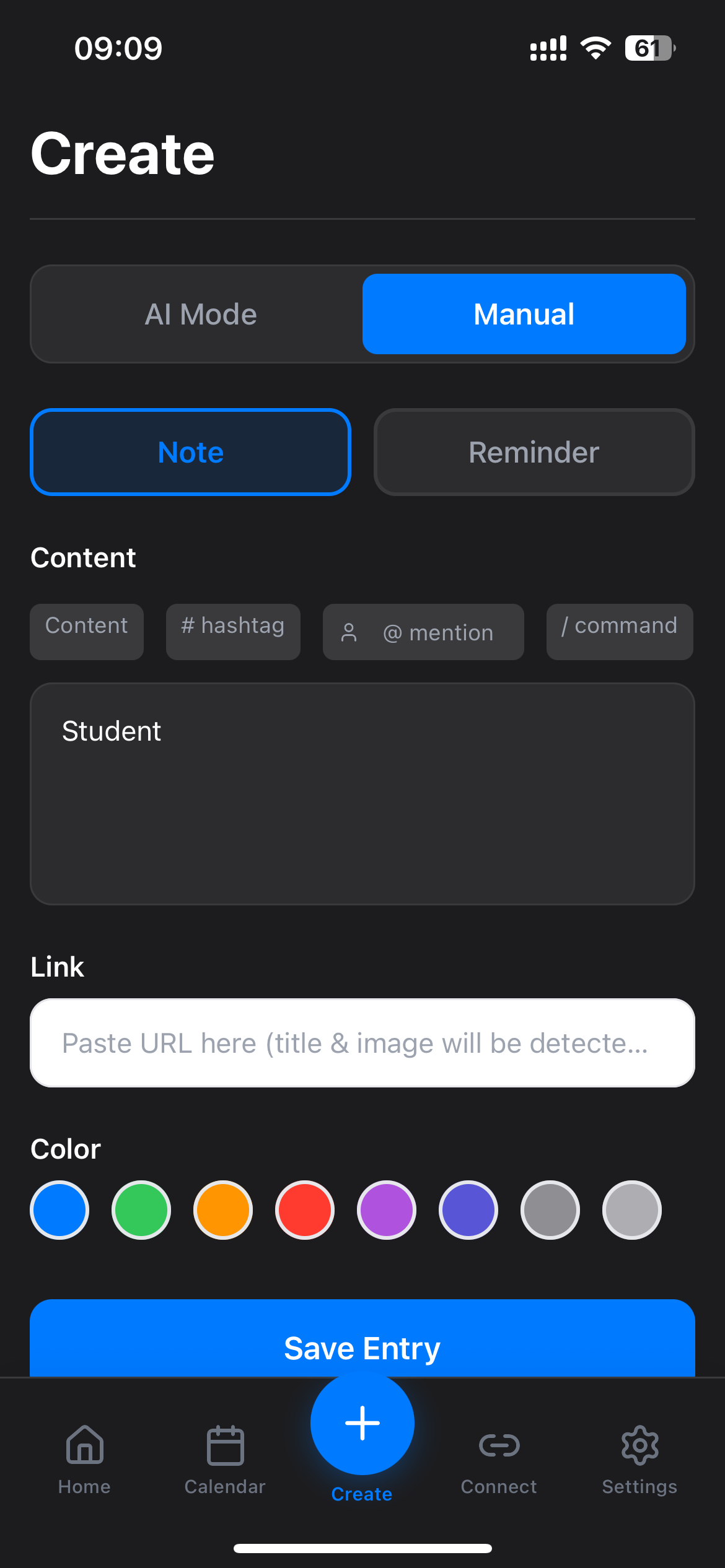
Note created? You’ll receive your Student Pack code instantly!
3
Continue verification
After creating the note, you’ll receive your Student Pack code. Return to the Qrdy Student Pack page to complete your student verification.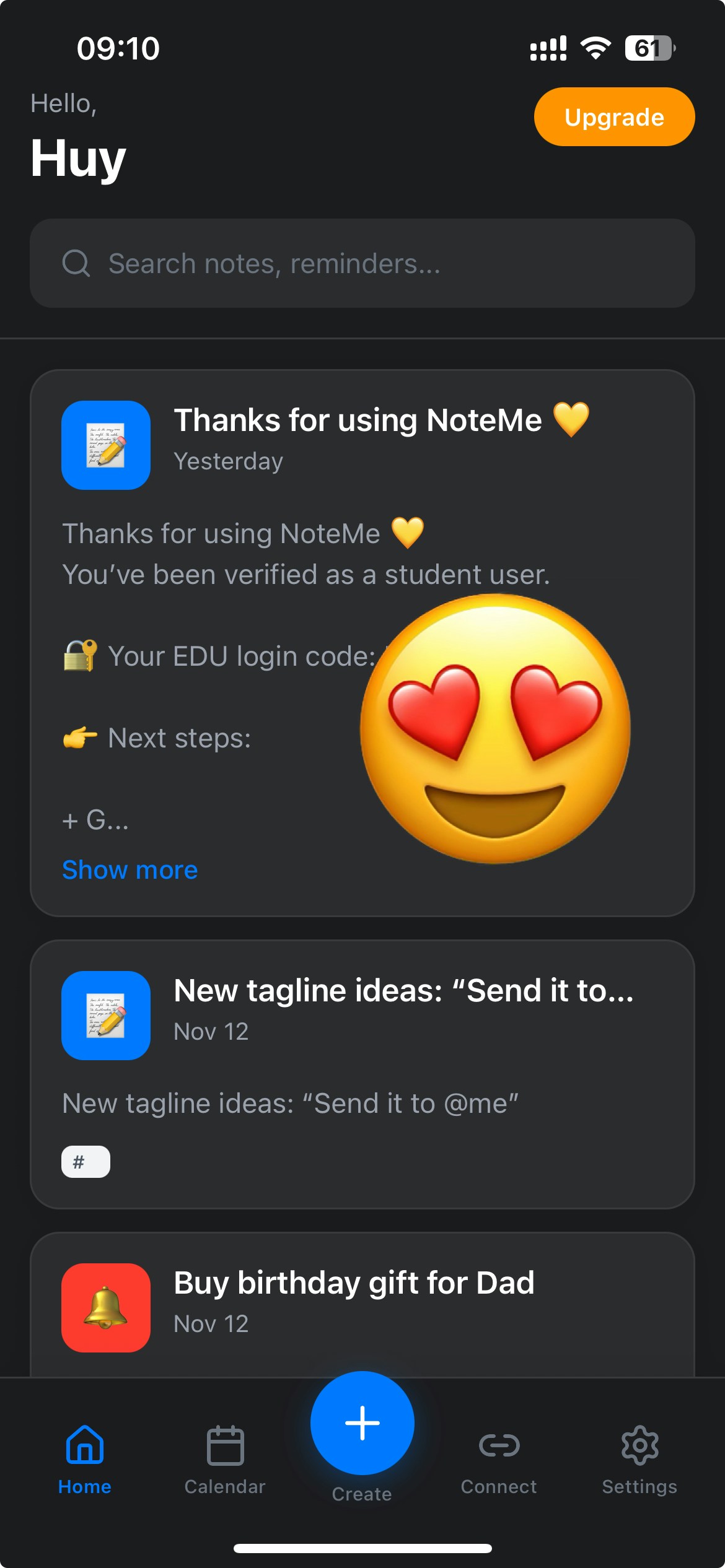
Why this step?
Creating a note with “student” in NoteMe helps you:- Receive notifications: Get notified about new student packages and updates
- Stay informed: Know when new packages launch and what’s available
- Exclusive codes: Receive special promotional codes for student packages
- Easy verification: Streamline your student verification process
This step ensures you stay connected with the Qrdy Student program and never miss important updates or exclusive offers.
Quick checklist
- NoteMe mobile app downloaded (iOS or Android)
- NoteMe account created and logged in
- Created a note with the key “student” in the content field
- Returned to Qrdy Student Pack to complete verification
Troubleshooting
I didn't receive the code
I didn't receive the code
Make sure you:
- Downloaded the mobile app (iOS or Android) - this doesn’t work on the web version
- Created a note with the exact key “student” (lowercase) in the content field
- Logged in to your NoteMe account
Can I use this on the web version?
Can I use this on the web version?
No, this step is only available on the mobile app (iOS or Android). You need to download the app from the App Store or Google Play.
Do I need a Pro NoteMe subscription?
Do I need a Pro NoteMe subscription?
No! This is available to all NoteMe users, including free users. You just need to download the mobile app and create a note with the key “student”.
About Qrdy Student Pack
The Qrdy Student Pack offers free 1-year Pro subscriptions for students and teachers. Eligible users can get access to premium features across Qrdy products.Visit Qrdy Student Pack
Complete your student verification and get your free Pro subscription.