

What makes it different
- Canva’s default / Clipping Mask: one image shows through all the letters at once.
- Text to Frames: each letter is its own frame, so you can fill every letter with a different image and arrange them freely.
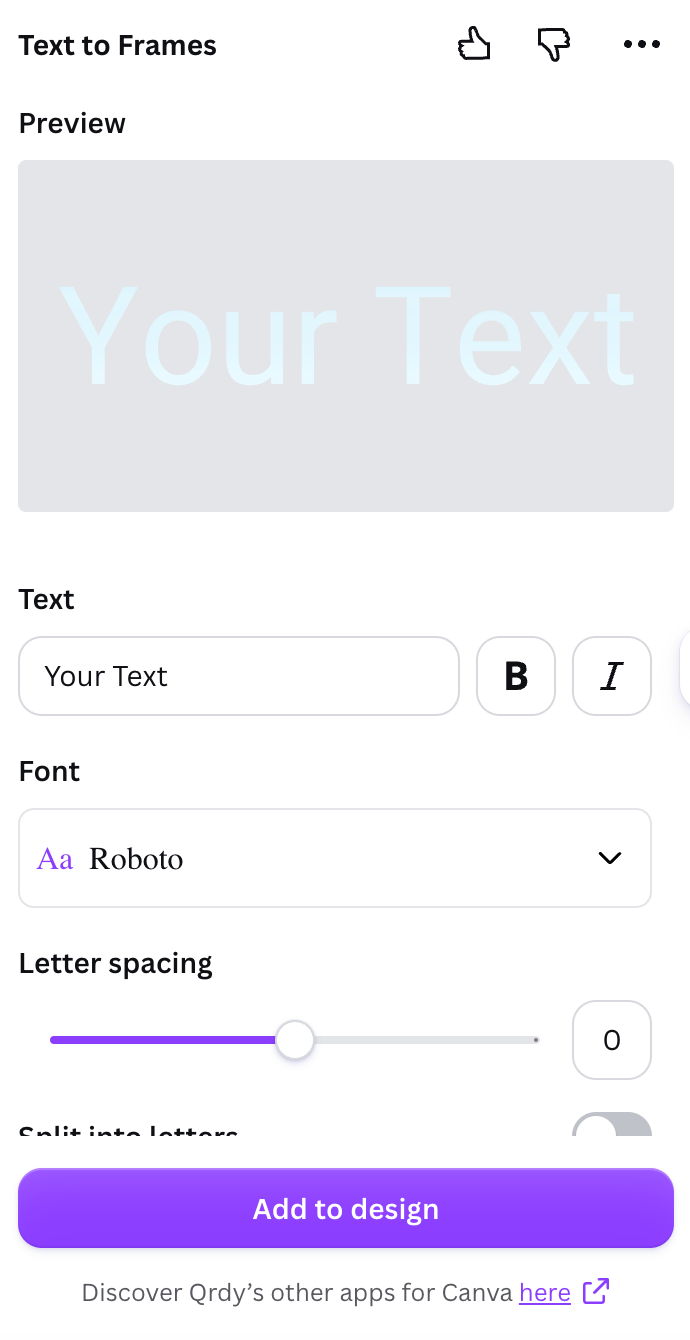
Text to Frames — type your text, pick a font, and preview
Step-by-step
1
Open the app
Launch Text to Frames from the Canva Apps panel.
2
Type your text
Enter your word (up to 200 characters). Use B (bold) and I (italic) — if they’re greyed out, the chosen font doesn’t include that style.
3
Choose a font
Pick from 100+ fonts. Fonts marked Pro are part of the paid plan.
4
Adjust the shape
Set Letter spacing (−100 to 100) and Font size. Turn on Split into letters so each character becomes its own frame for different images.
5
Add effects (optional)
Turn on Blur, Border, or Inner shadow and pick a color for each (see below).
6
Check the preview
The Preview updates about half a second after each change — what you see is exactly what gets added. If the text is too long, the app says so; shorten it or reduce the size.
7
Add to design and fill
Click Add to design, then drag a photo into the letters. With Split into letters on, drop a different image into each one, then drag/zoom inside each letter.
Fonts: 100+ options
The app includes 100+ curated Google Fonts — modern sans (Roboto, Poppins, Montserrat), elegant serif (Playfair Display), handwriting (Pacifico), plus specialty fonts like pixel (Press Start 2P), horror (Creepster), and sci-fi (Orbitron, Audiowide). The free plan opens 5 fonts (Roboto, Open Sans, Lato, Playfair Display, Pacifico); Pro unlocks all the rest.The three Pro effects
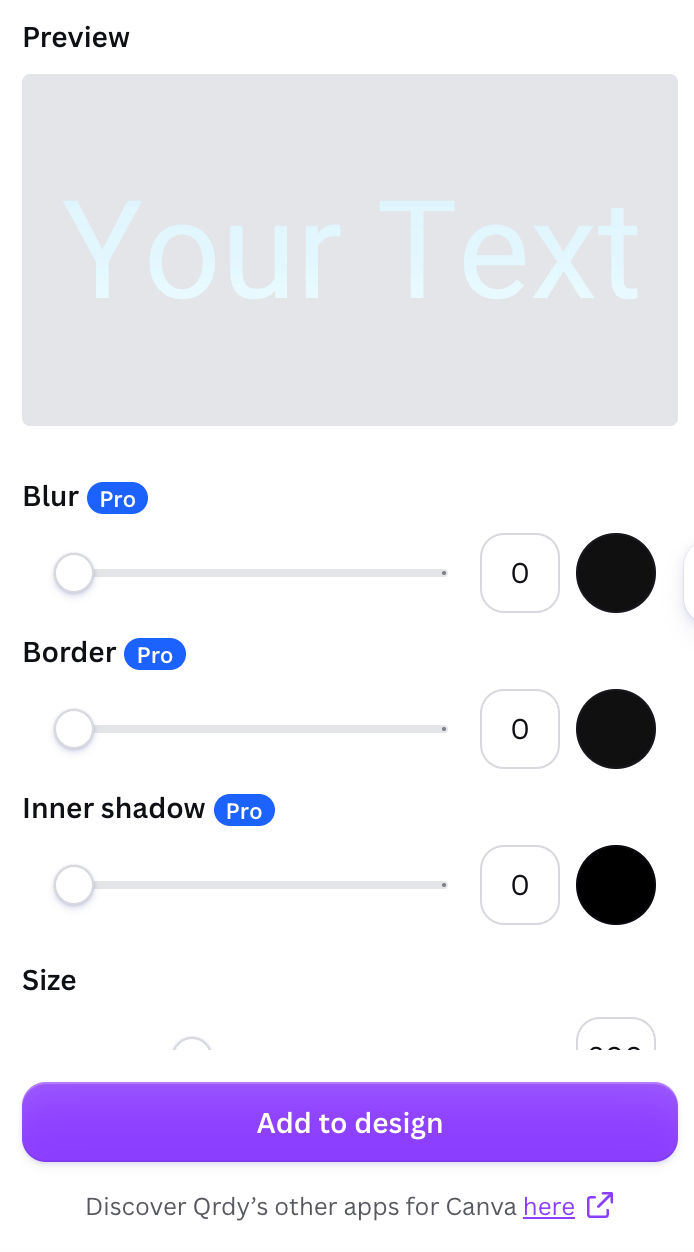
Blur, Border, and Inner shadow — each with its own color
Blur
A soft glow behind the letters (0–20). Great for a neon or glowing look, or to soften the edges.
Border
An outline that hugs each letter (0–50). Helps the text stand out when the image inside is busy.
Inner shadow
A shadow inside the letters (0–40) for depth — as if the text is carved or raised.
Use cases
- Event banners — each letter a highlight photo.
- Movie/album titles — each letter reveals a different scene.
- Social covers — a big word with video running inside each letter (Canva frames accept video too).
- Logos / branding — a brand name with a different background per letter.
Frequently asked questions
How do I fill text with an image in Canva?
How do I fill text with an image in Canva?
Type your word in Text to Frames, add it to your design, then drag a photo into the letters. Turn on Split into letters to fill each letter separately.
Can I keep the text editable?
Can I keep the text editable?
The letters are real Canva frames, so you can swap and reposition images anytime. (Re-typing the word means generating it again in the app.)
What font works best?
What font works best?
Thick, bold, or rounded fonts leave more room for the image to show through.
Open Text to Frames in Canva
Turn any word into photo-fillable Canva letter frames.