

Welcome to Image to Frames
Image to Frames is a powerful Canva app that instantly converts any image into a custom frame. With one click, transform photos, illustrations, or SVG files into frames you can use directly in your Canva designs. No design skills needed - it’s that simple.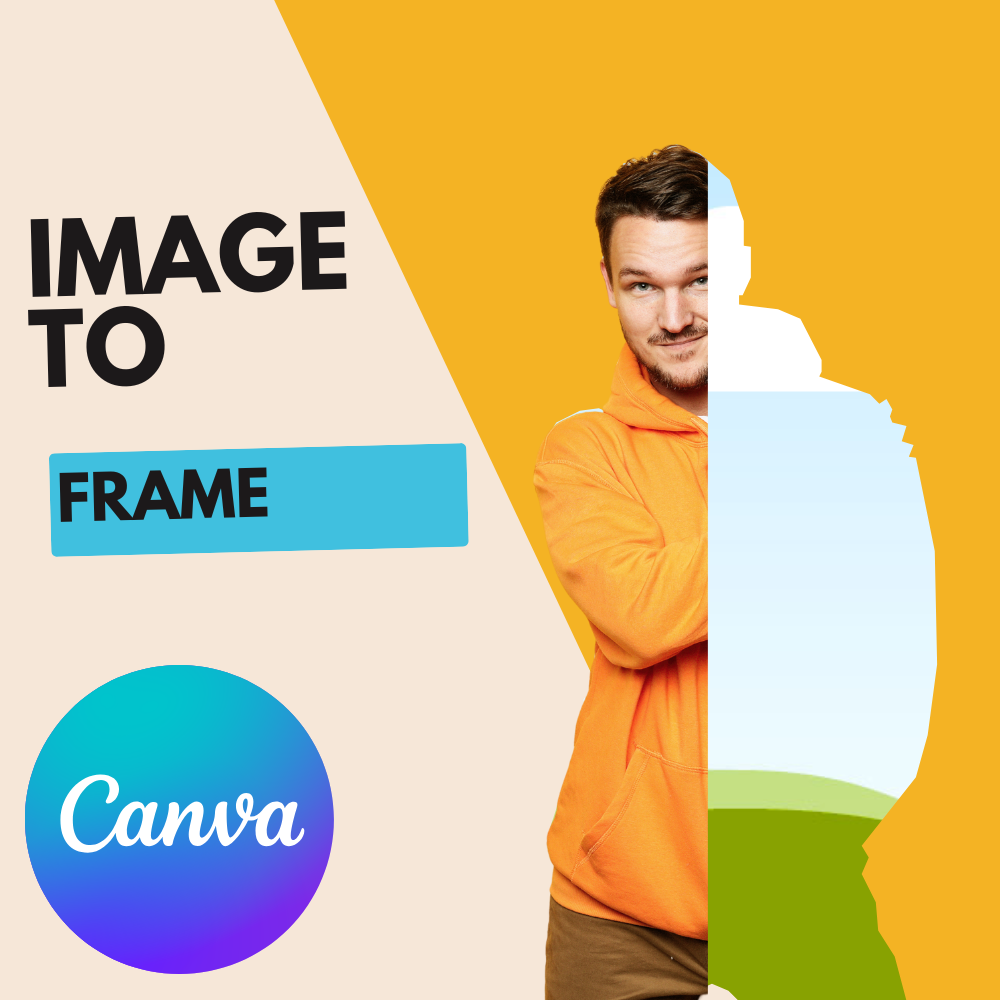
Image to Frames - Convert any image into custom frames for Canva
Get started
Learn how to install and use Image to Frames in Canva.
What you can do
One-click conversion
Upload any image and convert it to a frame instantly. Fully automatic - no manual editing required.
40,000+ premium frames
Browse and download from our extensive frame library. Search by tags and import frames into Canva.
Three ways to use
Use images from your Canva design, upload files, or import frames from our store - choose what works best.
Use in Canva
Frames work directly in Canva. Drag images into frames to crop them perfectly.
Quick start guide
1
Install in Canva
Add the Image to Frames app to your Canva workspace from the Apps panel.
2
Choose your method
Use an image from your design, upload a file, or import from our Frame Library.
3
Convert
Click convert - your image is instantly transformed into a frame. Fully automatic!
4
Use in your design
Drag images into your frame to crop them perfectly. Resize and style as needed.
Popular use cases
Text to frames
Convert text images into individual character frames for creative typography.
Map art
Transform country maps into stunning artwork with embedded images.
Social media posts
Create unique frames for Instagram, Facebook, and TikTok that make your content stand out.
Double exposure
Create professional double exposure effects using frames and opacity controls.
Pro subscription required
Image to Frames requires a Pro subscription. Free users cannot access any features. Students and teachers can get a free 1-year Pro subscription. Visit the Pro Features page for pricing details.
- ✅ Unlimited image-to-frame conversions
- ✅ Access to 40,000+ premium frames and growing
- ✅ All future feature updates
- ✅ Priority support
Learn about Pro
See all Pro features and start your 1-day free trial.
Important: Import frames correctly
Need help?
FAQ
Find answers to common questions about Image to Frames.
Contact support
Can’t find what you’re looking for? Our support team is here to help.