

Opening Settings
Open Settings to adjust how Hepta looks, sounds, and feels. Everything here is optional, so feel free to set it up the way that suits you best.Sound & Haptics
You can turn the game’s audio and vibration on or off:- Sound — toggle audio effects on or off.
- Haptics — toggle vibration on or off.
Theme
Choose how Hepta looks:- System — follow your device’s appearance setting.
- Light — a bright theme.
- Dark — a darker theme.
Language
Hepta is available in 19 languages. The game auto-selects a language for you, and you can switch to another one manually anytime from Settings.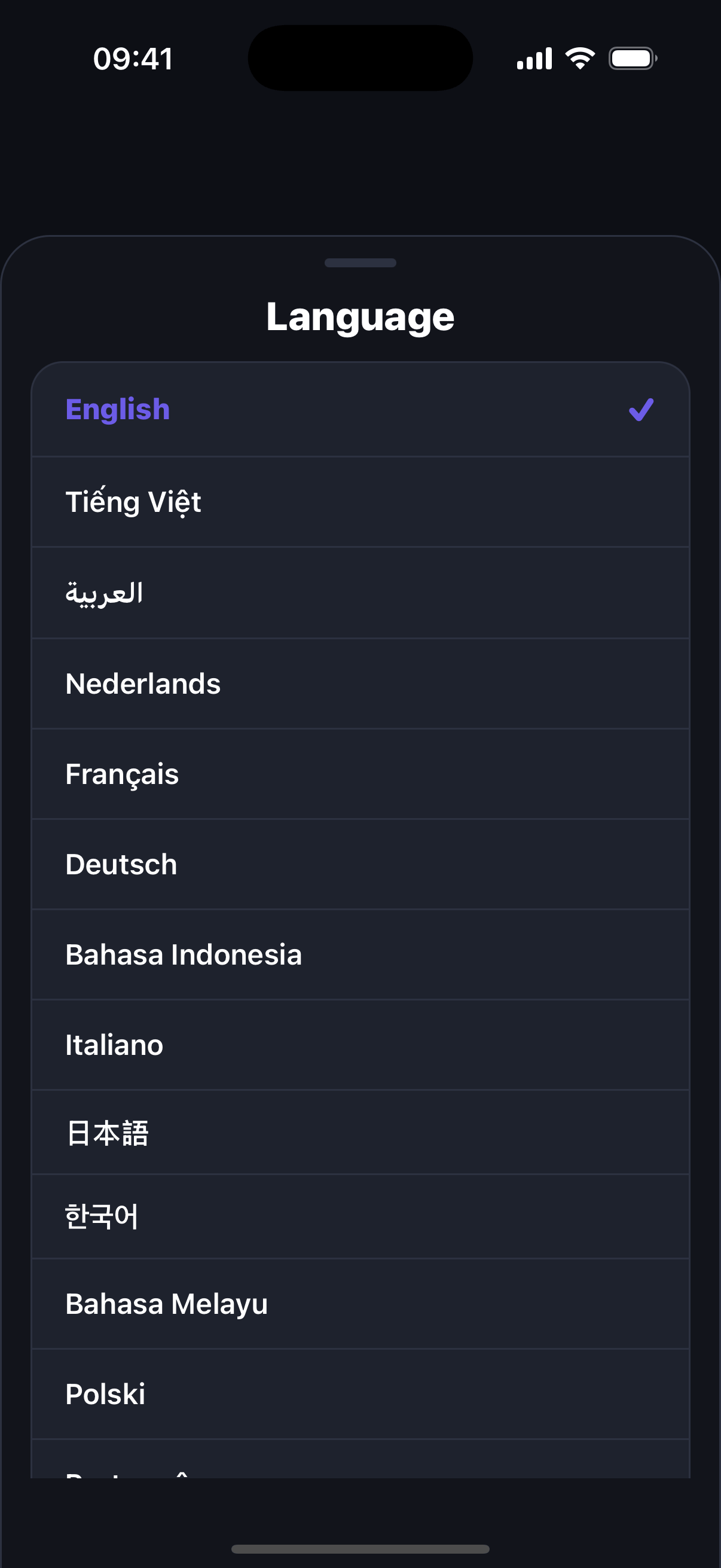
Replay the tutorial
Want a refresher on the basics? You can reopen the How to Play tutorial from Settings whenever you like.Related
FAQ
Quick answers to common questions about Hepta.
How to Play
Learn the basics of merging and clearing levels.