> ## Documentation Index
> Fetch the complete documentation index at: https://docs.qrdyai.com/llms.txt
> Use this file to discover all available pages before exploring further.
# The Best Canva Apps for Frames (2026): Picked by Job
> The best Canva apps for frames in 2026 — turn images into frames, build custom grids and arcs, fill text with photos, trace shapes, and more. Which frame app to use for each job.
Canva's built-in frames are handy, but they're limited to a fixed set of basic shapes. When you need a frame in *your* shape — a logo, a grid, an arc, or even your own letters — you need a frame app. Here are the **best Canva apps for frames in 2026**, organized by the job you're trying to do, so you can jump straight to the right one.
 ## Quick pick
| You want to… | Best app |
| ----------------------------------------------- | ------------------- |
| Turn any image into a frame | **Image to Frames** |
| Build custom frame shapes (grids, arcs, bursts) | **Frames Lab** |
| Fill text with different photos | **Text to Frames** |
| Trace a frame by hand | **Trace to Frame** |
| Make a photo collage grid | **Frame Collage** |
| Describe a frame and let AI draw it | **AI Frames** |
| Show one image through all your text | **Clipping Mask** |
All seven are made by the Qrdy team and run right inside Canva.
## 1. Image to Frames — turn any image into a frame
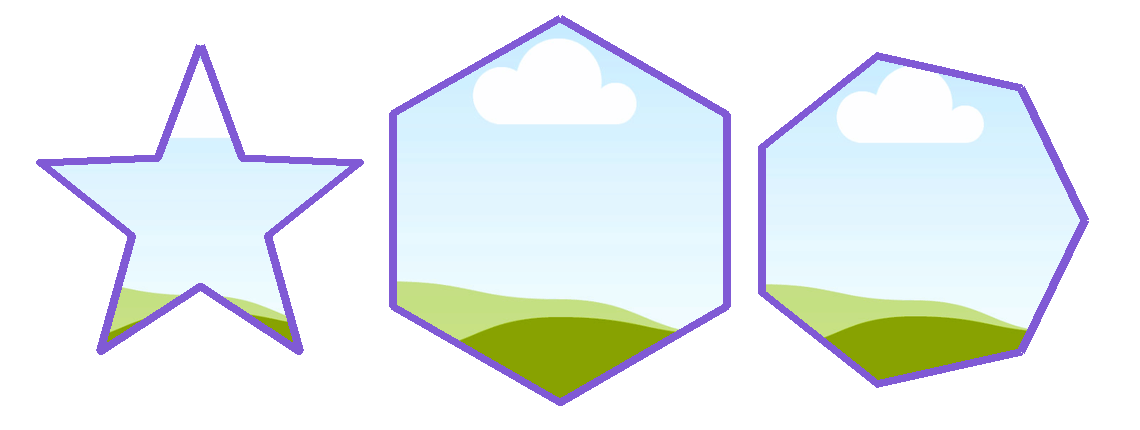
If you have a shape — a logo, a star, a silhouette — **[Image to Frames](/image-to-frames/what-is-image-to-frames)** converts it into a real Canva frame you can drop photos or videos into. It supports PNG, SVG, and JPG (up to 5MB), follows the image's true outline when the background is transparent, and adds an optional border.
## Quick pick
| You want to… | Best app |
| ----------------------------------------------- | ------------------- |
| Turn any image into a frame | **Image to Frames** |
| Build custom frame shapes (grids, arcs, bursts) | **Frames Lab** |
| Fill text with different photos | **Text to Frames** |
| Trace a frame by hand | **Trace to Frame** |
| Make a photo collage grid | **Frame Collage** |
| Describe a frame and let AI draw it | **AI Frames** |
| Show one image through all your text | **Clipping Mask** |
All seven are made by the Qrdy team and run right inside Canva.
## 1. Image to Frames — turn any image into a frame
If you have a shape — a logo, a star, a silhouette — **[Image to Frames](/image-to-frames/what-is-image-to-frames)** converts it into a real Canva frame you can drop photos or videos into. It supports PNG, SVG, and JPG (up to 5MB), follows the image's true outline when the background is transparent, and adds an optional border.
 **Best for:** turning an existing graphic or logo into a custom frame.
**Tip:** remove the background first, or the frame comes out as a rectangle.
Convert any image into a custom Canva frame in one click.
## 2. Frames Lab — build custom frame shapes
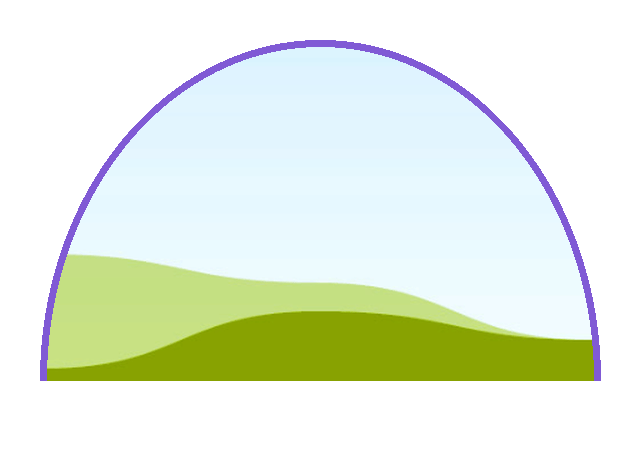
When you need a frame built to spec, **[Frames Lab](/frames-lab/frames-lab-complete-guide)** is the toolbox. It creates frames in five modes — **Shape, Burst, Grid, Arc, and Diagonal** — with live controls (grid columns/rows, arc sweep angle, burst density), plus a library of ready-made frames in **Explore** and effects (blur, border, inner shadow) in **Style**.
**Best for:** turning an existing graphic or logo into a custom frame.
**Tip:** remove the background first, or the frame comes out as a rectangle.
Convert any image into a custom Canva frame in one click.
## 2. Frames Lab — build custom frame shapes
When you need a frame built to spec, **[Frames Lab](/frames-lab/frames-lab-complete-guide)** is the toolbox. It creates frames in five modes — **Shape, Burst, Grid, Arc, and Diagonal** — with live controls (grid columns/rows, arc sweep angle, burst density), plus a library of ready-made frames in **Explore** and effects (blur, border, inner shadow) in **Style**.
 **Best for:** precise, parameter-driven frames and photo grids.
Build grids, arcs, bursts, and custom frames in Canva.
## 3. Text to Frames — fill your text with photos
**[Text to Frames](/text-to-frames/text-to-frames-complete-guide)** turns each letter of a word into its own frame, so you can drop a *different* photo or video into every letter — something a single clipping mask can't do. It includes 100+ fonts and three effects (blur, border, inner shadow).
**Best for:** precise, parameter-driven frames and photo grids.
Build grids, arcs, bursts, and custom frames in Canva.
## 3. Text to Frames — fill your text with photos
**[Text to Frames](/text-to-frames/text-to-frames-complete-guide)** turns each letter of a word into its own frame, so you can drop a *different* photo or video into every letter — something a single clipping mask can't do. It includes 100+ fonts and three effects (blur, border, inner shadow).
 **Best for:** photo-filled typography where each letter shows a different image.
Turn any word into photo-fillable Canva letter frames.
## 4. Trace to Frame — draw a frame by hand
**Trace to Frame** lets you place points to draw a frame with straight lines, cropping a photo to any custom shape you outline. It's the manual, full-control option when you want to trace around a specific object.
**Best for:** tracing a custom outline by hand (straight-line shapes).
## 5. Frame Collage — photo collage grids
**Frame Collage** builds a grid collage — toggle cells from 8×8 up to 32×32 — where every cell is a frame you fill with a photo or video. Great for mosaics and multi-photo layouts.
**Best for:** photo-filled typography where each letter shows a different image.
Turn any word into photo-fillable Canva letter frames.
## 4. Trace to Frame — draw a frame by hand
**Trace to Frame** lets you place points to draw a frame with straight lines, cropping a photo to any custom shape you outline. It's the manual, full-control option when you want to trace around a specific object.
**Best for:** tracing a custom outline by hand (straight-line shapes).
## 5. Frame Collage — photo collage grids
**Frame Collage** builds a grid collage — toggle cells from 8×8 up to 32×32 — where every cell is a frame you fill with a photo or video. Great for mosaics and multi-photo layouts.
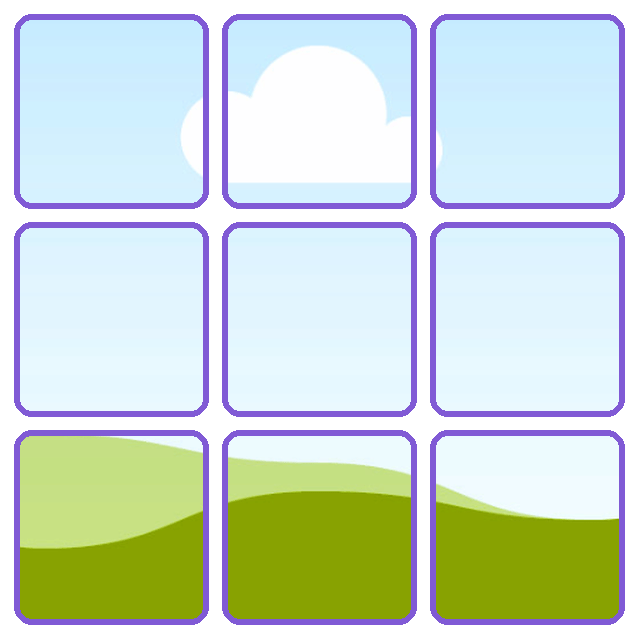 **Best for:** quick collage grids with many photo slots.
## 6. AI Frames — describe it, AI draws it
**AI Frames** generates a frame from a text description, plus a library of 20,000+ free frames and exclusive shadow/border/effects. The easiest option when you don't have a source image and don't want to build a shape by hand.
**Best for:** getting a frame from words, or browsing a big ready-made library.
## 7. Clipping Mask — one image through all your text
Not technically a frame app, but closely related: **Clipping Mask** shows a single image through your text or shape at once (versus Text to Frames, where each letter is a separate frame). Reach for it when you want one photo spanning a whole word.
**Best for:** one image visible through an entire word or shape.
## Which one should you use?
Use **Image to Frames** to convert it into a frame.
Use **Frames Lab**.
Use **Text to Frames** (different image per letter) or **Clipping Mask** (one image across the word).
Browse **AI Frames** or Frames Lab's **Explore** tab.
For basic circle, square, or simple-shape frames, Canva's built-in **Elements → Frames** is still the fastest option — reach for these apps when you need a shape Canva doesn't offer.
## Frequently asked questions
**Image to Frames** — it converts any PNG, JPG, or SVG into a real Canva frame. Remove the background first so the frame follows your image's outline.
Use **Text to Frames** with "Split into letters" on — each letter becomes its own frame you can fill separately.
Each has a free tier with limits; Pro removes them. You can try the core features before upgrading.
Yes — **Frame Collage** builds grid collages where every cell is a fillable frame, or use Frames Lab's Grid mode.
**Best for:** quick collage grids with many photo slots.
## 6. AI Frames — describe it, AI draws it
**AI Frames** generates a frame from a text description, plus a library of 20,000+ free frames and exclusive shadow/border/effects. The easiest option when you don't have a source image and don't want to build a shape by hand.
**Best for:** getting a frame from words, or browsing a big ready-made library.
## 7. Clipping Mask — one image through all your text
Not technically a frame app, but closely related: **Clipping Mask** shows a single image through your text or shape at once (versus Text to Frames, where each letter is a separate frame). Reach for it when you want one photo spanning a whole word.
**Best for:** one image visible through an entire word or shape.
## Which one should you use?
Use **Image to Frames** to convert it into a frame.
Use **Frames Lab**.
Use **Text to Frames** (different image per letter) or **Clipping Mask** (one image across the word).
Browse **AI Frames** or Frames Lab's **Explore** tab.
For basic circle, square, or simple-shape frames, Canva's built-in **Elements → Frames** is still the fastest option — reach for these apps when you need a shape Canva doesn't offer.
## Frequently asked questions
**Image to Frames** — it converts any PNG, JPG, or SVG into a real Canva frame. Remove the background first so the frame follows your image's outline.
Use **Text to Frames** with "Split into letters" on — each letter becomes its own frame you can fill separately.
Each has a free tier with limits; Pro removes them. You can try the core features before upgrading.
Yes — **Frame Collage** builds grid collages where every cell is a fillable frame, or use Frames Lab's Grid mode.